Sales & Checkout
Process sales, manage orders, and issue transaction records with a checkout flow built for busy counters.
Manage every branch. Keep selling offline.



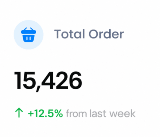

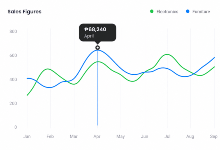

Essential tools for day-to-day operations, connected in one platform.
Process sales, manage orders, and issue transaction records with a checkout flow built for busy counters.
Track stock, product variants, and inventory movements so you always know what you have and where it is.
Monitor branch operations from one business account while each location keeps what it needs to operate.
Understand sales performance and inventory trends so owners and managers can act with clearer data.
Process sales in-store. Manage every branch from one place.
For daily in-store operations.
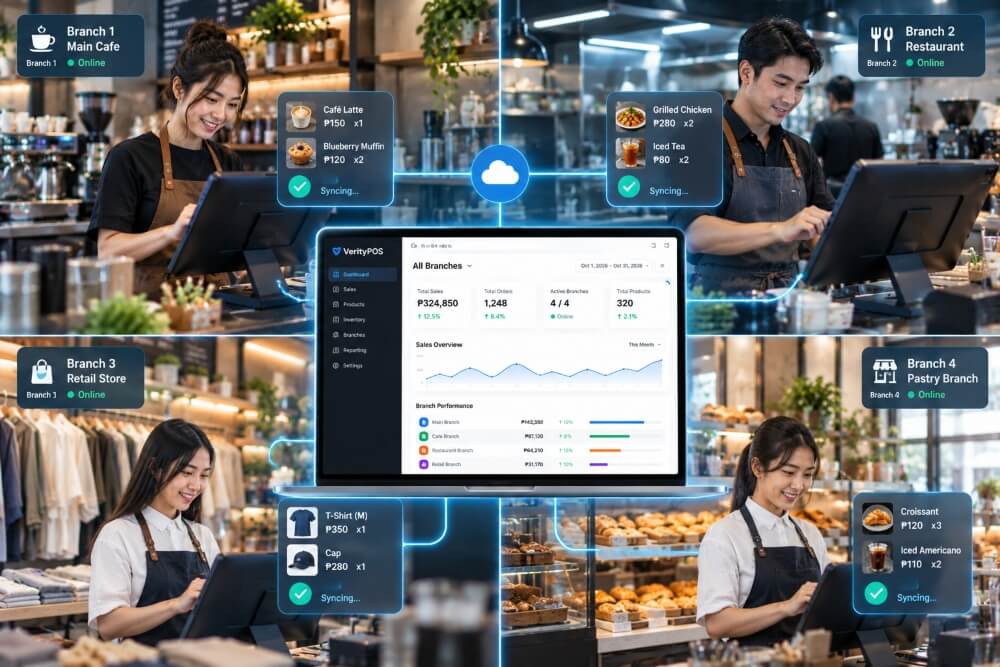
For centralized business management.
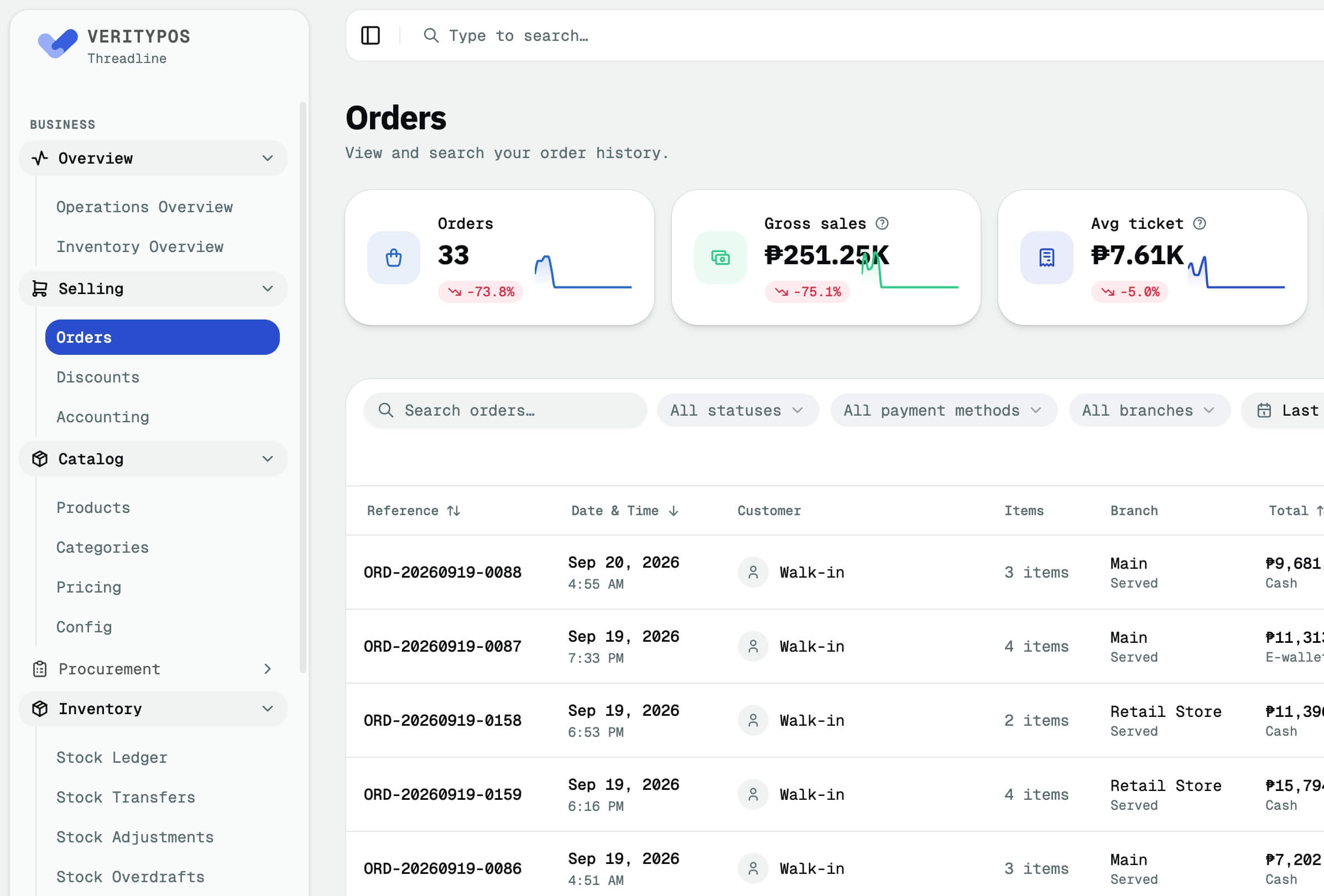
Whether you sell products, prepare food, or operate multiple locations, VerityPOS adapts to your business operations.
Run product-focused stores with clear catalog control and reliable checkout.
Support products, ingredients, recipes, production, and sales — without claiming table management or KDS.
Manage ingredients, bundles, stock usage, and branch operations for food-service workflows.
Start with one location and grow without replacing your POS system.
VerityCodeLabs is currently working toward the applicable BIR accreditation requirements for VerityPOS. We will provide updates as the process progresses.
BIR accreditation has not yet been granted.
Straight answers about offline-capable operations, branches, inventory, devices, and demos.
Book a demo and we’ll walk you through VerityPOS.
VerityPOS is designed so supported POS operations can continue during connectivity interruptions. Data synchronizes when connectivity becomes available.
Yes. VerityPOS supports multiple branches under one business account, with centralized oversight and location-level operations.
Inventory can be managed at the branch level while the business maintains centralized control. Changes sync according to connectivity and device sync status.
VerityPOS is designed for modern POS hardware and tablets used at the counter. Specific supported device configurations are confirmed during your demo.
Not yet. VerityCodeLabs is currently working toward the applicable BIR accreditation requirements for VerityPOS. We will provide updates as the process progresses. BIR accreditation has not yet been granted.
Use Book a Demo to reach the VerityCodeLabs team. Pricing depends on your business setup and is discussed during the demo — we do not publish speculative package claims here.